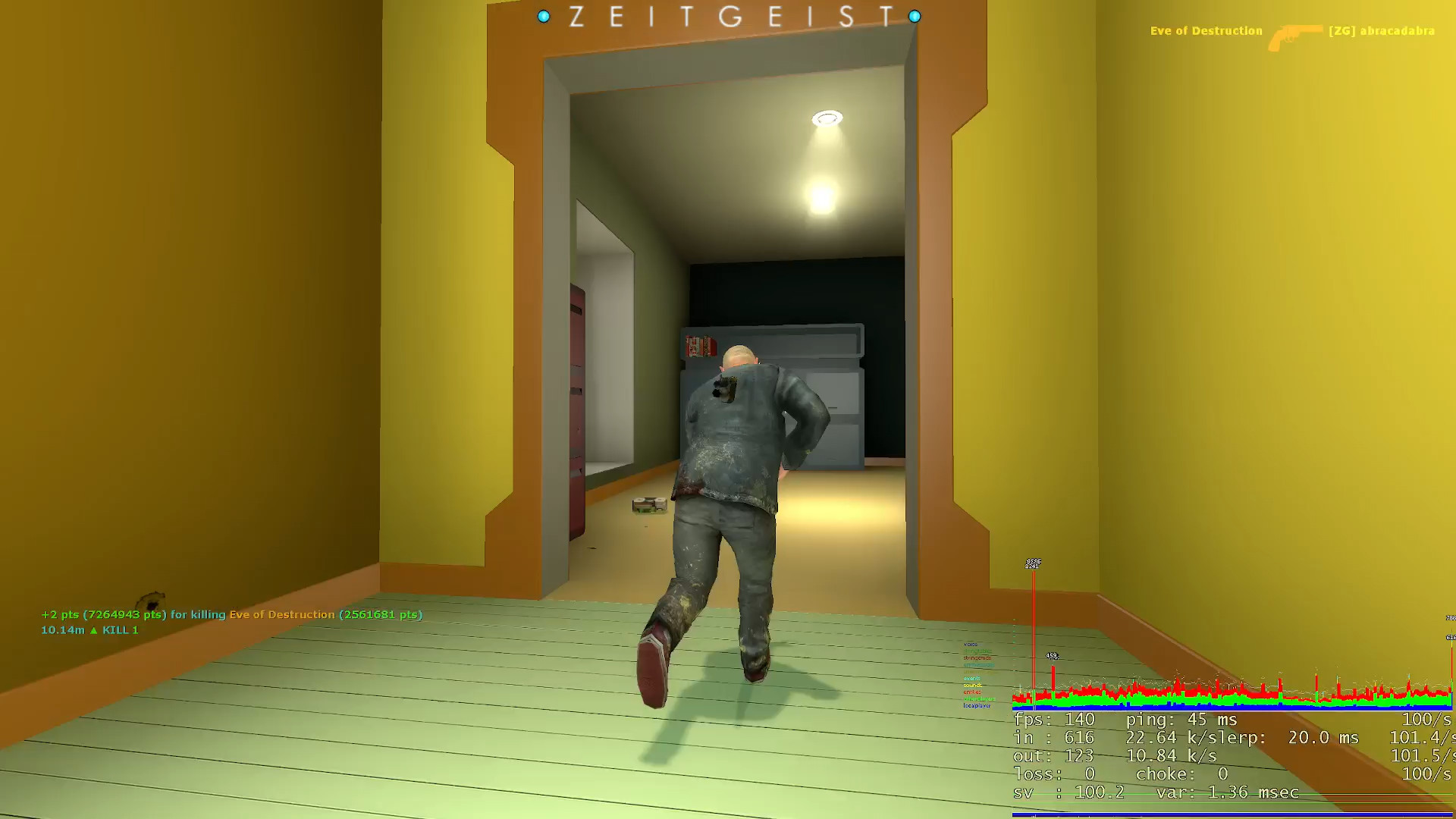

network lag

Suggestions, Queries, Complaints
User avatar
[ZG] abracadabra
Admin 8
Admin 8
Posts: 180
Joined: Thu Mar 07, 2019 6:59 pm
Contact:

Re: network lag

Post by [ZG] abracadabra »

current results:

C:\Users\abracadabra>ping 195.20.241.216

Pinging 195.20.241.216 with 32 bytes of data:
Request timed out.
Request timed out.
Request timed out.
Request timed out.

Ping statistics for 195.20.241.216:
Packets: Sent = 4, Received = 0, Lost = 4 (100% loss),


C:\Users\abracadabra>tracert 195.20.241.216

Tracing route to 195.20.241.216 over a maximum of 30 hops

1 1 ms 1 ms 1 ms 192.168.0.1
2 19 ms 12 ms 15 ms 10.205.48.1
3 9 ms 9 ms 8 ms 10.242.130.144
4 10 ms 23 ms 9 ms 10.0.32.25
5 10 ms 9 ms 9 ms 10.0.51.33
6 9 ms 9 ms 9 ms 10.0.51.28
7 10 ms 9 ms 9 ms ae20-0.khk7nqp8.dk.ip.tdc.net [87.61.121.170]
8 23 ms 19 ms 27 ms ae0-0.ffm2nqp1.de.ip.tdc.net [83.88.0.126]
9 21 ms 22 ms 23 ms decix.bb-b.fr7.fra.de.net.ionos.com [80.81.193.123]
10 39 ms 38 ms 37 ms lo-0-0.bb-b.ltz.ber.de.net.ionos.com [212.227.117.24]
11 38 ms 37 ms 38 ms lo-0-0.bb-a.rs.ber.de.net.ionos.com [212.227.117.77]
12 37 ms 38 ms 38 ms lo-0-0.rc-a.rs.ber.de.net.ionos.com [212.227.117.204]
13 37 ms 38 ms 38 ms 212.227.120.165
14 * * * Request timed out.
15 * * * Request timed out.
16 * * * Request timed out.
17 * * * Request timed out.
18 * * * Request timed out.
19 * * * Request timed out.
20 * * * Request timed out.
21 * * * Request timed out.
22 * * * Request timed out.
23 * * * Request timed out.
24 * * * Request timed out.
25 * * * Request timed out.
26 * * * Request timed out.
27 * * * Request timed out.
28 * * * Request timed out.
29 * * * Request timed out.
30 * * * Request timed out.

Trace complete.

:lost
a.smith
Posts: 2
Joined: Fri Aug 16, 2024 11:21 pm
Contact:

Re: network lag

Post by a.smith »

Maybe try different dns (i use on my side cloud flare one), if you play with wifi use ethernet for better ping ( i have a 10 meters one)

Clearly there's an intermediary screwing up the traceroute
In addition, speed test ookla is not the best proof, with 2 tests carried out 1 minute apart.
You'd have to tell isp in simpler terms that there's an intermediary causing me to have a non-optimal ping (no direct road, not the shortest)

https://prnt.sc/8oQqix6qrXNy and https://prnt.sc/bQxvv1sGoN9f
Last edited by a.smith on Thu Aug 22, 2024 11:03 pm, edited 2 times in total.
User avatar
[ZG] abracadabra
Admin 8
Admin 8
Posts: 180
Joined: Thu Mar 07, 2019 6:59 pm
Contact:

Re: network lag

Post by [ZG] abracadabra »

a.smith wrote: Thu Aug 22, 2024 10:57 pm Maybe try different dns (i use on my side cloud flare one)
I just switched to Cloudflare and the tracert results came out the same.
if you play with wifi use ethernet for better ping ( i have a 10 meters one)
I am using an ethernet cable.
Clearly there's an intermediary screwing up the traceroute
In addition, speed test ookla is not the best proof, with 2 tests carried out 1 minute apart.
The point of the speedtest is not my DL/UL speeds, but to show what my ping is to Frankfurt, where the ZG server is located. It's showing 22 ms, which is about the same I'm getting with the tracert, until it reaches hop 10 where the ping is significantly increased.
You'd have to tell isp in simpler terms that there's an intermediary causing me to have a non-optimal ping (no direct road, not the shortest)
I might contact my ISP again, but to me it looks like the problem is with the ZG server host (IONOS), as the rise in ping occurs between hop 9 and 10, which are both IONOS hops.
Post Reply

Who is online

Users browsing this forum: No registered users and 1 guest